

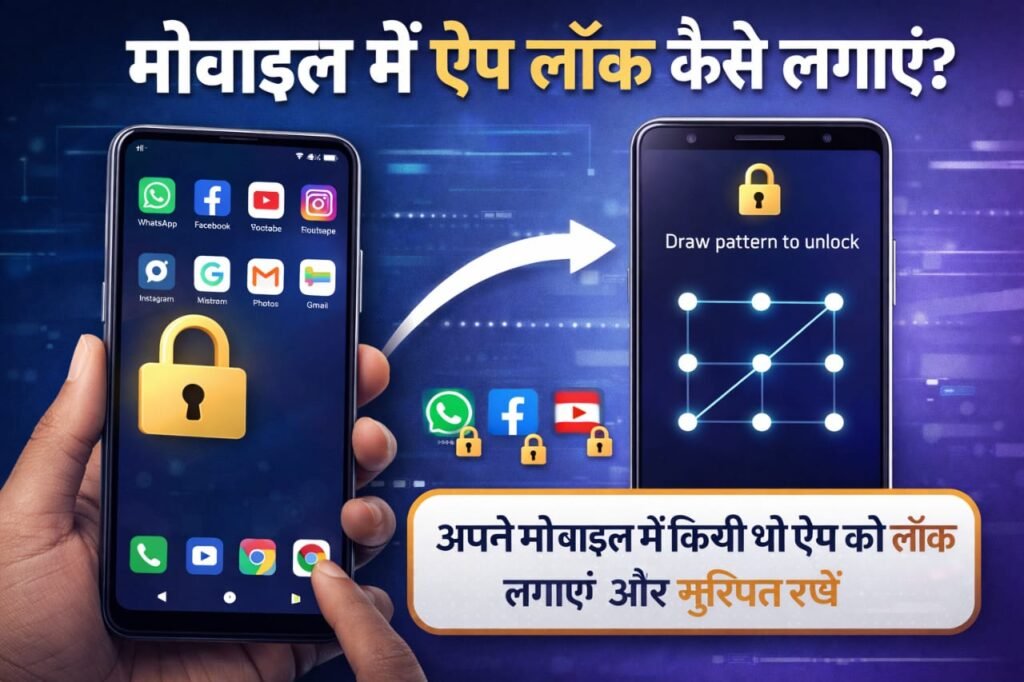
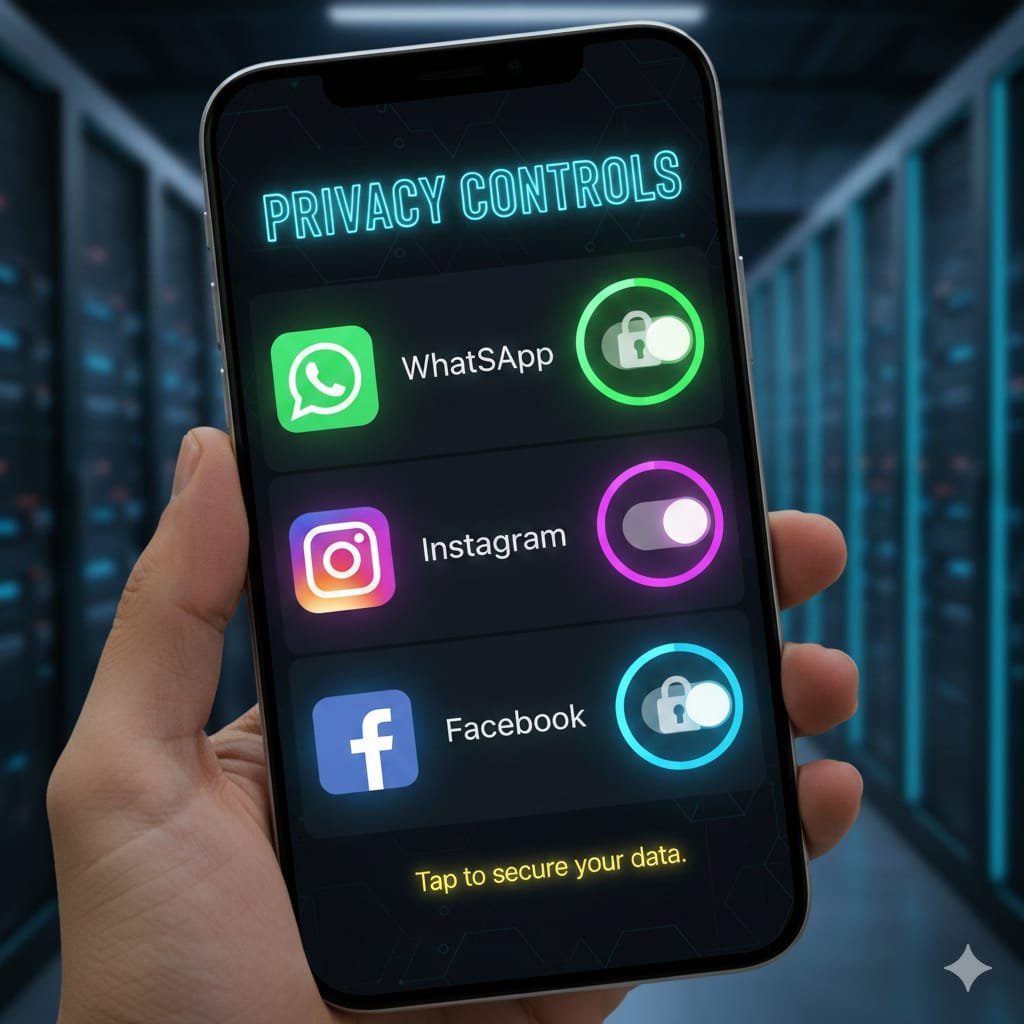
In today’s digital world, our mobile phones store mobile Me App Lock Kaise Lagaye? personal photos, private chats, social media accounts, banking apps, and sensitive data.
If someone gets access to your phone without permission, your privacy can be at serious risk.
The best solution to protect your privacy is App Lock.
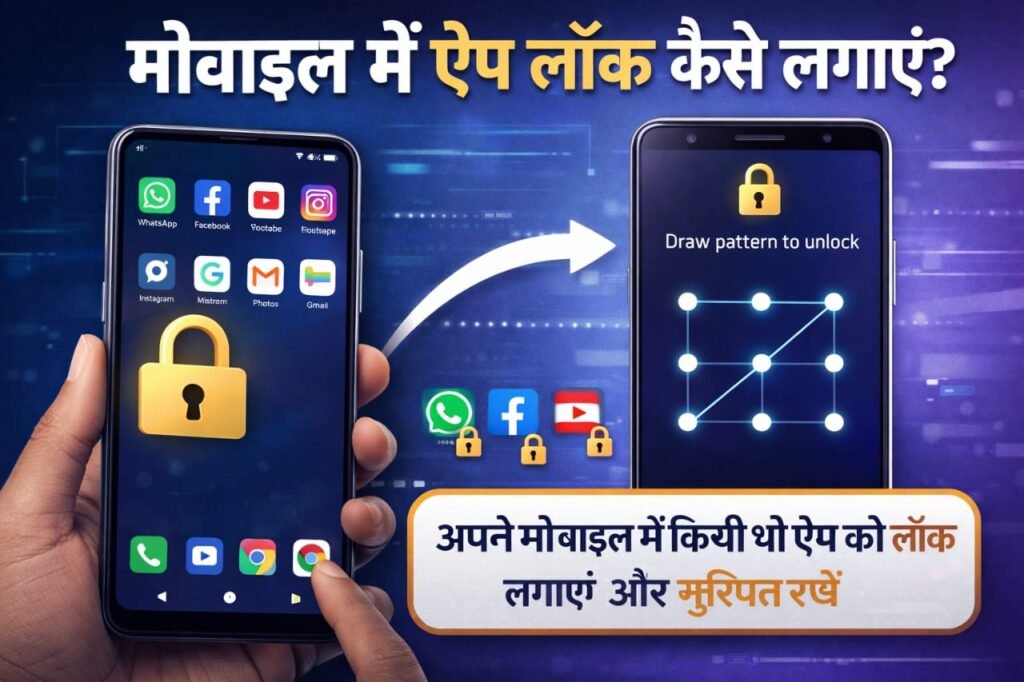
In this complete guide, you will learn:
- What is App Lock
- How to lock apps on Android
- How to lock apps on iPhone
- App lock without installing any app
- Best app lock methods
- Advantages & disadvantages
- FAQs
Table of Contents
What Is App Lock? Mobile Me App Lock Kaise Lagaye
App Lock is a security feature that allows you to protect selected apps using:
- 🔢 PIN
- 🔐 Password
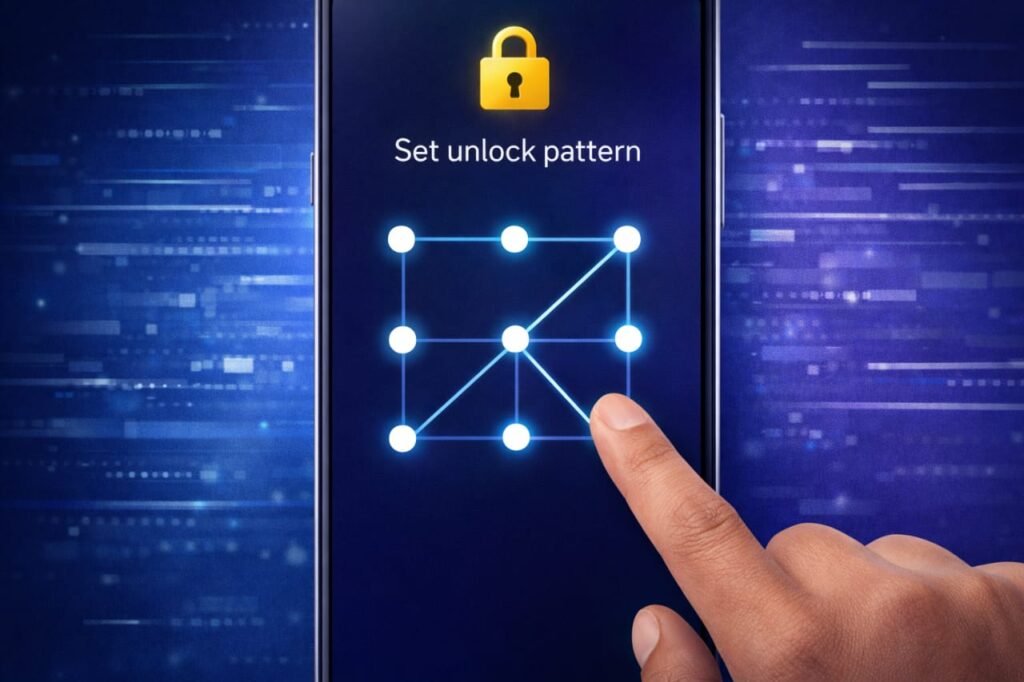
- 👉 Pattern
- 👆 Fingerprint
- 😎 Face ID
Once enabled, no one can open the locked app without authentication.
How to Lock Apps on Android Mobile
Method 1: Using In-Built App Lock (Recommended)
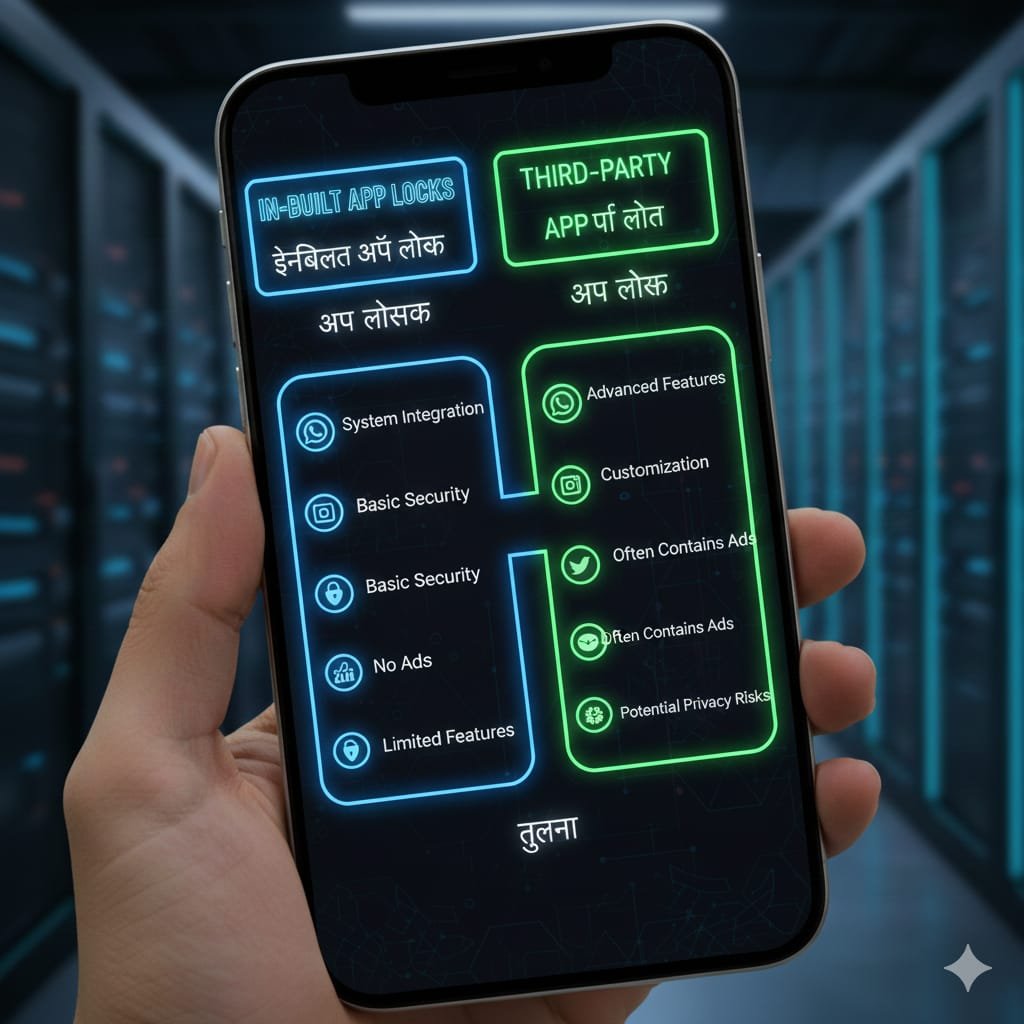
Most Android phones like Samsung, Vivo, Oppo, Xiaomi, Realme, OnePlus already have a built-in App Lock feature.
Steps:
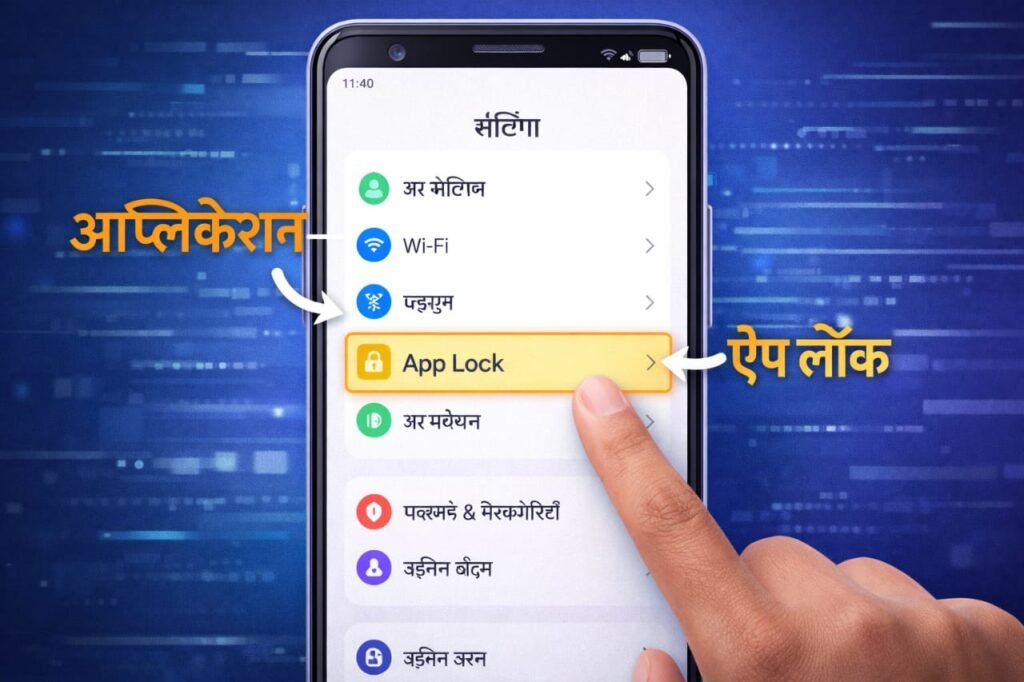
- Open Settings
- Go to Privacy / Security
- Tap on App Lock
- Set PIN / Pattern / Fingerprint
- Select apps you want to lock
- Enable App Lock ✔
✅ Your selected apps are now fully protected.
Method 2: Lock Apps Using Third-Party App Lock Apps
If your phone does not have an in-built App Lock feature, you can use trusted apps from Play Store.
Best App Lock Apps:
- AppLock by DoMobile
- Norton App Lock
- Smart AppLock
Steps:
- Open Google Play Store
- Search “App Lock”
- Install a trusted app
- Set password or fingerprint
- Choose apps to lock
- Activate protection
⚠ Tip: Avoid unknown or low-rated apps.
How to Lock Apps on iPhone (iOS)
Apple does not provide direct app locking, but you can use Screen Time as a powerful alternative.
Method 1: Lock Apps Using Screen Time
Steps:
- Open Settings
- Tap Screen Time
- Turn on Screen Time
- Select App Limits
- Choose the app
- Set time limit to 1 minute
- Create Screen Time Passcode
⏱ After the limit is reached, the app will be locked automatically.
Method 2: Use Face ID / Touch ID (Supported Apps Only)
Some apps like:
- Photos
- Notes
- Banking Apps
Allow locking using Face ID or Touch ID from app settings.
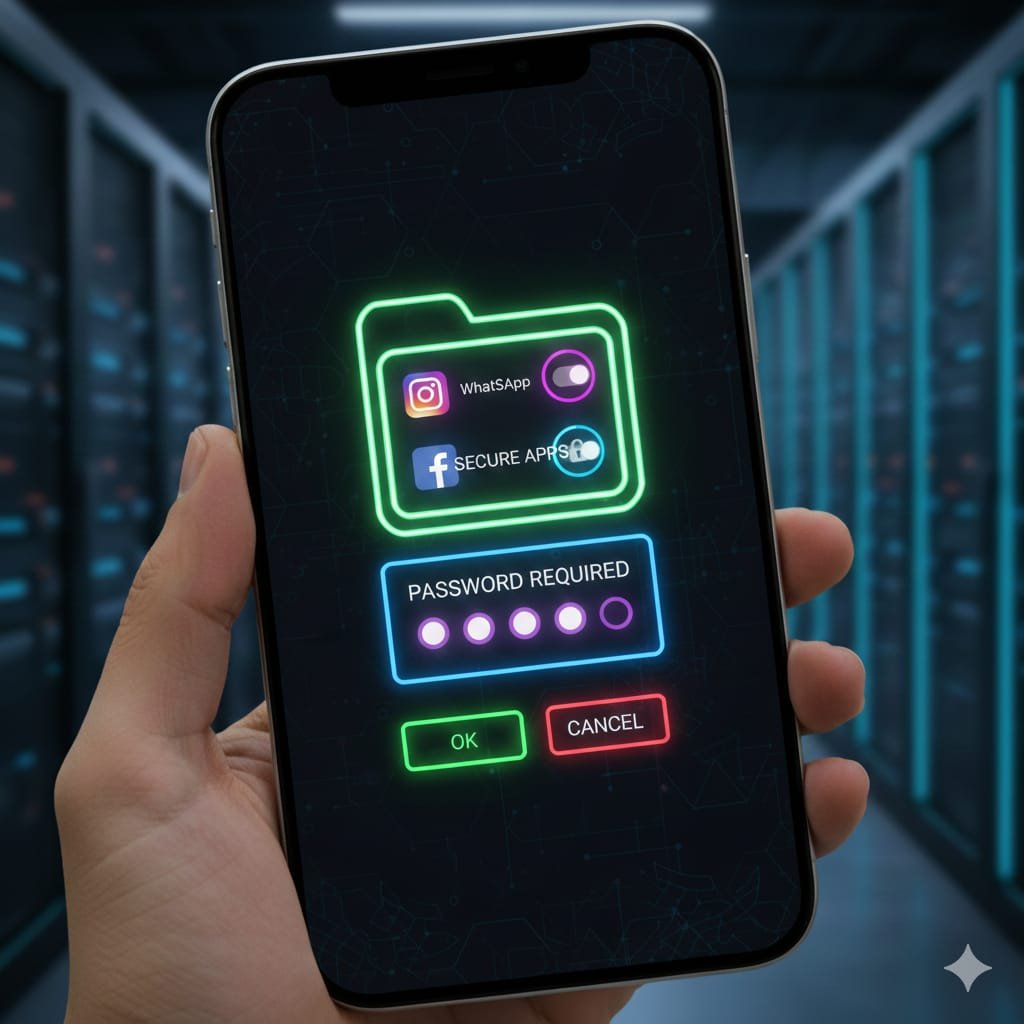
How to Lock Apps Without Installing Any App?
✔️ Android: Use In-Built App Lock
✔️ iPhone: Use Screen Time
This is the safest and most recommended method.
App Lock Methods Comparison Table
| Method | Android | iPhone | Security | Ease |
| In-Built App Lock | ✅ Yes | ❌ No | ⭐⭐⭐⭐⭐ | ⭐⭐⭐⭐ |
| Third-Party App Lock | ✅ Yes | ❌ No | ⭐⭐⭐ | ⭐⭐⭐ |
| Screen Time | ❌ No | ✅ Yes | ⭐⭐⭐⭐ | ⭐⭐⭐ |
| Fingerprint / Face ID | ✅ Yes | ✅ Yes | ⭐⭐⭐⭐⭐ | ⭐⭐⭐⭐⭐ |
Advantages of App Lock
✔️ Protects personal data
✔️ Keeps social media private
✔️ Secures banking & payment apps
✔️ Prevents kids from opening apps
✔️ Adds extra security if phone is lost
Disadvantages of App Lock
❌ Forgetting password may cause issues
❌ Some third-party apps show ads
❌ May slow down low-end phones
Overall, advantages are much more than disadvantages.
Apps You Should Always Lock
- WhatsApp / Telegram
- Gallery / Photos
- Google Pay / PhonePe / Paytm
- Instagram / Facebook
- Email apps
- Notes & Files
FAQs – App Lock Questions Answered
Q1. Is App Lock safe?
👉 Yes, built-in App Lock features are completely safe and secure.
Q2. What if I forget App Lock password?
👉 You can reset it using phone unlock password or Google account.
Q3. Why doesn’t iPhone have direct App Lock?
👉 Apple focuses on system-level security and uses Screen Time instead.
Q4. Are free App Lock apps safe?
👉 Trusted and well-rated apps are safe, but avoid unknown apps.
Q5. Which App Lock method is best?
👉 Fingerprint or Face ID is the fastest and most secure method.
Conclusion
If you care about your privacy and mobile security, app lock is a must.
Android users should use in-built App Lock, while iPhone users should rely on Screen Time and Face ID.
Lock your important apps today and keep your personal data safe.
Phone Ka Pattern Bhool Gaye? 5 Aasan Tarike Se Unlock Karein 2026