

In today’s world,Mobile Data On/Off has become an essential part of our smartphones. Whether it’s checking social media, streaming videos, or browsing the internet, mobile data keeps us connected. However, there are times when we need to turn mobile data On or Off—to save battery, reduce data usage, or simply disconnect for a while.
In this article, we will explore everything about Mobile Data On/Off, including how to do it, its advantages, common issues, and smart tips for managing it effectively.
Table of Contents
What is Mobile Data?
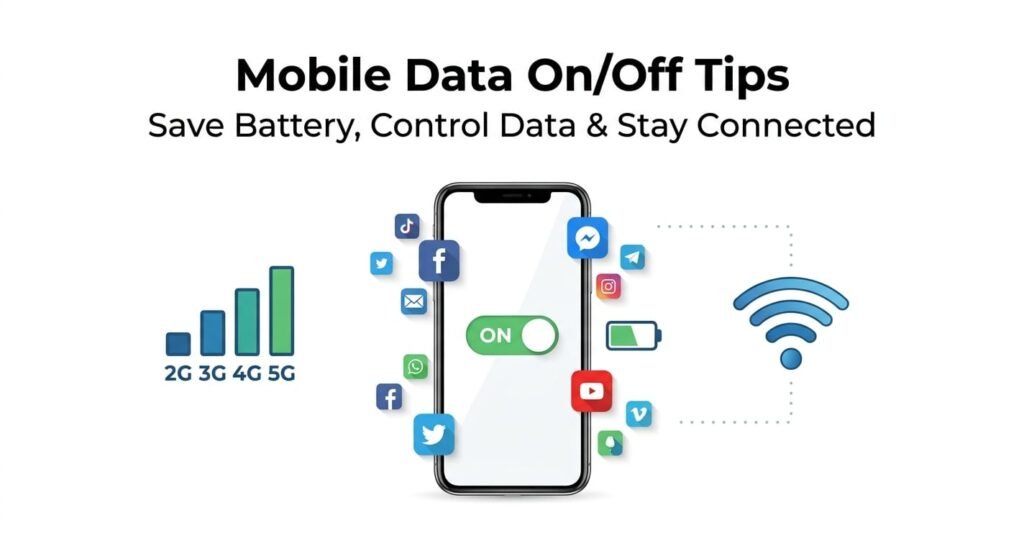
Mobile Data is the internet connection provided by your mobile network. Unlike Wi-Fi, it allows you to access the internet anywhere using your network signal.
Key Points:
- Mobile Data works on 2G, 3G, 4G, and 5G networks.
- You can turn it On or Off to control internet usage.
- When data is On, you can access emails, social media, video calls, and online games.
How to Turn Mobile Data On/Off
The steps vary slightly depending on your device, but here is the general method:
On Android Devices:
- Open Settings.
- Go to Network & Internet or Connections.
- Select Mobile Network or Data Usage.
- Toggle Mobile Data On or Off.
Shortcut: Most Android phones allow you to quickly toggle mobile data from the Notification Panel by tapping the Mobile Data icon.
On iPhone Devices:
- Open Settings.
- Go to Cellular or Mobile Data.
- Toggle Cellular Data On or Off.
Shortcut: Use the Control Center to quickly turn Cellular Data On or Off.
Benefits of Turning Mobile Data Off
Turning off mobile data does more than just stop internet usage. Some benefits include:
1. Saves Battery
When data is On, your phone constantly connects to the network, which drains the battery faster.
2. Reduces Data Consumption
Keeping data On all the time may consume your data pack quickly. Turning it off saves your plan.
3. Improves Phone Performance
With data Off, background apps cannot use the internet, making your phone run smoother.
4. Protects Privacy
Apps cannot access the internet without permission, which helps maintain your privacy.
Benefits of Keeping Mobile Data On
While turning data off has advantages, keeping it On has its benefits too:
1. Always Connected
Data On keeps you connected anytime, anywhere:
- Receive instant social media updates
- Reply to emails and messages immediately
- Use Google Maps and navigation
2. Video Calls and Streaming
Apps like WhatsApp, Zoom, YouTube work only when mobile data is On.
3. Real-Time Notifications
Receive bank alerts, social media notifications, and other updates immediately.
Common Problems with Mobile Data
- High data consumption
- Faster battery drain
- Slow network sometimes, especially on 2G/3G
Solutions:
- Limit background apps from using data.
- Turn auto-sync on only when needed.
Smart Ways to Manage Mobile Data On/Off
- Use Auto Data Saver: Most Android and iOS phones have Data Saver mode to reduce consumption.
- Schedule Data On/Off: Some phones allow you to automatically turn mobile data on/off at set times.
- Wi-Fi Preference: Let your phone automatically turn off mobile data when connected to Wi-Fi.
- App-wise Data Control: Turn data On or Off for specific apps.
Conclusion
Turning Mobile Data On/Off is not just a technical action. It’s a smart way to manage your battery, data usage, and internet experience.
Quick Tips:
- Use the notification panel for quick toggling.
- Limit background app data usage.
- Use Data Saver and Wi-Fi preferences to maximize efficiency.
By understanding and managing mobile data properly, you can enjoy a better smartphone experience while saving money and battery.

