
Aaj ke digital yug me mobile phone hamari zindagi ka sabse important hissa ban chuka hai. Call, message, internet, online payment – sab kuch mobile par hi hota hai. Lekin bahut saare users ek common problem face karte hain: phone par baat karte samay dusra call aata hai lekin pata hi nahi chalta. Is wajah se important calls miss ho jaati hain, business loss hota hai, ya personal life me misunderstanding create ho sakti hai.
Is detailed guide me hum Call Waiting problem ko step-by-step samjhenge, uske sabhi possible reasons dekhenge aur 100% working solutions (2026 latest) share karenge.
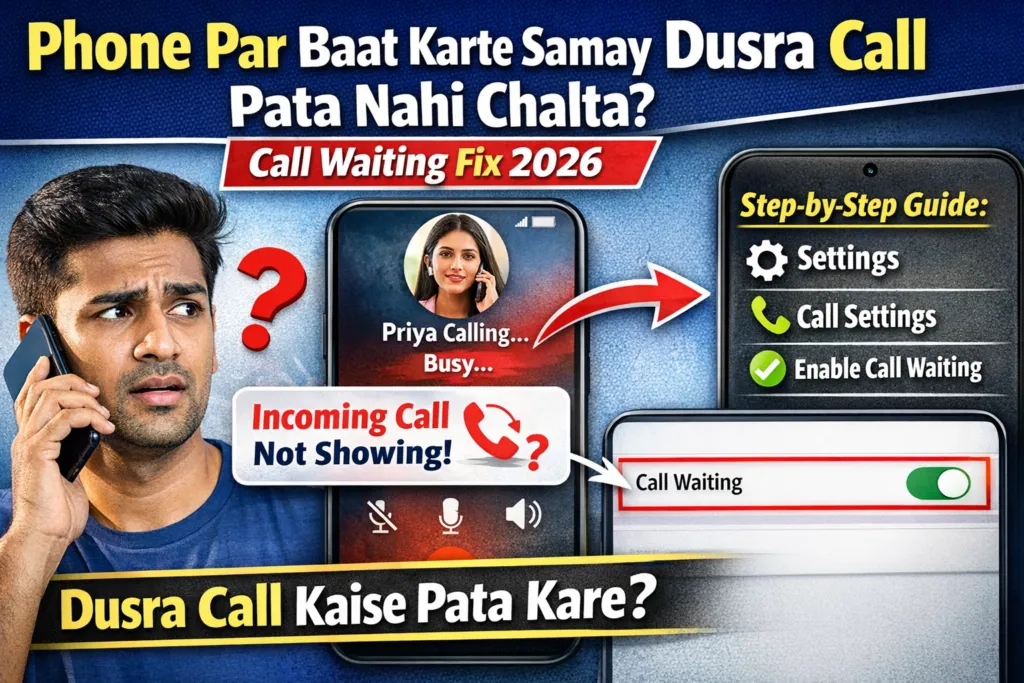
Phone Par Baat Karte Samay Dusra Call Pata Nahi Chalta
Yeh problem zyada tar Android phones me dekhi jaati hai, jaise Samsung, Redmi, Vivo, Oppo, Realme, OnePlus, Motorola etc. Jab aap kisi se baat kar rahe hote ho aur koi aur aapko call karta hai, to:
- Call waiting beep nahi aata
- Screen par incoming call nahi dikhta
- Call silently miss ho jaata hai
Is problem ka main reason Call Waiting setting off hona, network issue, ya phone software settings ho sakti hain.
Table of Contents
Call Waiting Kya Hota Hai?
Call Waiting ek telecom feature hai jo aapko batata hai ki jab aap ek call par busy ho, tab koi dusra aapko call kar raha hai. Is feature ke on hone par:
- Beep sound aata hai
- Screen par incoming call ka alert dikhta hai
- Aap current call hold par rakh kar dusri call receive kar sakte ho
Agar Call Waiting off ho, to dusra caller ko sirf busy tone sunai deta hai.
Phone Par Baat Karte Waqt Dusra Call Kyun Pata Nahi Chalta?
Is problem ke multiple reasons ho sakte hain. Har reason ko detail me samajhna zaroori hai.
Call Waiting Off Hona
Sabse common reason yahi hai. Bahut se phones me by default Call Waiting off hota hai ya update ke baad disable ho jaata hai.
Network Provider Issue
Kabhi-kabhi:
- SIM operator ne Call Waiting service disable kar rakhi hoti hai
- Network area weak hota hai
- Temporary server issue hota hai
Do Not Disturb (DND) Mode On
Agar DND mode galti se ON hai, to incoming call alerts mute ho jaate hain.
Phone App Notification Problem
Phone app ke notifications agar off ho jaayen, to call alert screen par nahi dikhta.
Android Software Bug
Android update ke baad kai baar call related bugs aa jaate hain, jisse call waiting properly kaam nahi karti.
Call Waiting Enable Kaise Kare (Android – 2026)
Yahan hum bilkul practical tareeke se, screen-by-screen samjha rahe hain, taaki aap khud phone me turant setting change kar sako.
Step-by-Step Practical Method (All Android Phones)
Step 1 – Phone App Open Kare
- Sabse pehle apne Phone (Dialer) app ko open kare
- Jahan se aap normally call lagate ho wahi app
Step 2 – 3 Dot Menu Par Click Kare
- Screen ke top-right corner me 3 dots (⋮) dikhenge
- Un par tap kare
Step 3 – Settings Open Kare
- Ab jo list open hogi usme se Settings option select kare
Step 4 – Calling Accounts / Calls Option
- Yahan aapko Calling Accounts, Calls, ya SIM Settings jaisa option dikhega
- Is par tap kare
Step 5 – SIM Select Kare (Very Important)
- Agar aap Dual SIM use kar rahe ho to
- Us SIM par tap kare jisme problem aa rahi hai
Step 6 – Call Waiting ON Kare
- Ab Call Waiting option dikhega
- Iska toggle ON (Green/Blue) kar de
Step 7 – Phone Restart Kare (Must)
- Setting ON karne ke baad phone ko restart kare
- Restart ke bina kai baar feature kaam nahi karta
Network Provider Se Call Waiting Activate Kaise Kare
Kuch telecom operators me Call Waiting SIM level par activate hoti hai.
USSD Code Se Activate Kare
- Airtel / Jio / VI (Most Networks): *43# dial kare
- Deactivate ke liye: #43#
- Status check: *#43#
Dial karne ke baad confirmation message aata hai.
Samsung, Redmi, Vivo, Oppo Me Call Waiting Fix
Samsung Phones
- Phone App → Settings → Supplementary Services → Call Waiting → ON
Redmi / MI Phones
- Settings → Apps → System App Settings → Phone → Call Waiting
Vivo / Oppo / Realme
- Phone → Settings → Calls → SIM Settings → Call Waiting
Incoming Call Notification Nahi Aa Raha – Fix
Phone App Notification Enable Kare
- Settings → Apps → Phone
- Notifications → Allow All
- Full Screen Notification ON kare
H4: Battery Optimization Disable Kare
- Settings → Battery → App Management → Phone → No Restriction
Do Not Disturb (DND) Mode Check Kare
DND Off Kaise Kare
- Settings → Sound & Vibration → Do Not Disturb → OFF
Exceptions Add Kare
Agar DND use karte ho to Calls ko Allow List me add kare.
Software Update & Reset Solutions
Phone Software Update Kare
- Settings → About Phone → Software Update
Network Settings Reset Kare
- Settings → Reset → Reset Network Settings
⚠️ Isse WiFi & Bluetooth reset hoga, data delete nahi hoga.
Third-Party Apps Ki Wajah Se Problem
Truecaller, call recording apps, ya call blocker apps call waiting ko block kar sakte hain.
Solution
- Un apps ko temporary uninstall kare
- Phone restart kare
- Test kare
Call Waiting Still Kaam Nahi Kar Raha? (Advanced Fix)
SIM Card Check Kare
- SIM dusre phone me try kare
- Agar waha bhi issue hai, to SIM replace karwaye
Customer Care Se Contact Kare
Apne network provider ke customer care ko call karke Call Waiting service activate karwaye.
Benefits of Call Waiting Feature
- Important calls miss nahi hoti
- Business calls manage karna easy
- Professional image banti hai
- Emergency calls ka notification milta hai
FAQs – People Also Ask
Call Waiting kya hota hai?
Call Waiting ek service hai jo busy call ke dauran dusre incoming call ka alert deti hai.
Call Waiting on hone ke baad bhi kaam kyu nahi karta?
Network issue, DND mode, ya phone software bug ki wajah se.
Call Waiting free hota hai?
Haan, India me zyada tar networks me free hota hai.
Agar phone par baat karte samay dusra call pata nahi chalta, to ghabrane ki zarurat nahi hai. Is article me bataye gaye steps follow karke aap Call Waiting problem 100% fix kar sakte ho. Chahe issue phone settings ka ho, network ka ho, ya software ka – har solution yahan cover kiya gaya hai.
Agar aapko ye guide helpful lagi ho, to ise apne doston aur family ke saath share kare, taaki unke important calls bhi miss na ho.